Category: Work Management
Category: Work Management
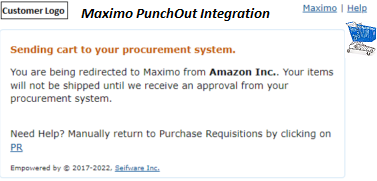
Maximo Vendor PunchOut Catalog
Maximo PunchOut Integration enables buyers, planners and users to get a live access to eCommerce suppliers and platforms.
Read More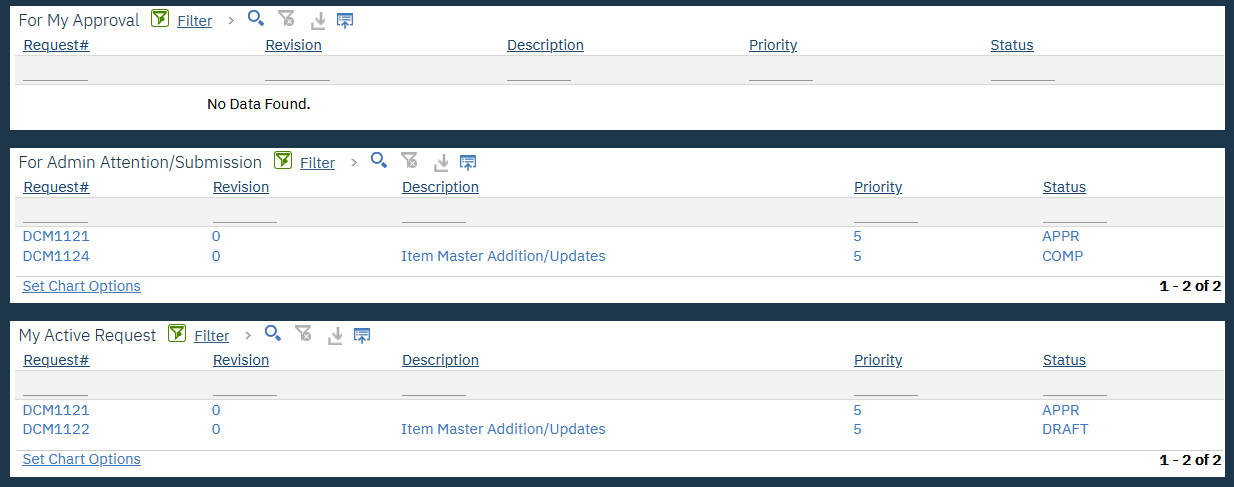
Data Change Management – Workflow/Add Items/Inventory – Part 4
Smart manage your Maximo data changes in DCM !
#Maximo, #Data, #Assets, #Data Management
Read More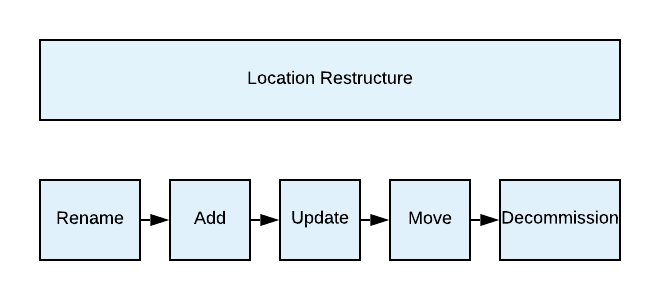
Data Change Management – Location Restructure – Part 3
Smart manage your Maximo data changes in DCM !
#Maximo, #Data, #Assets, #Data Management
Read More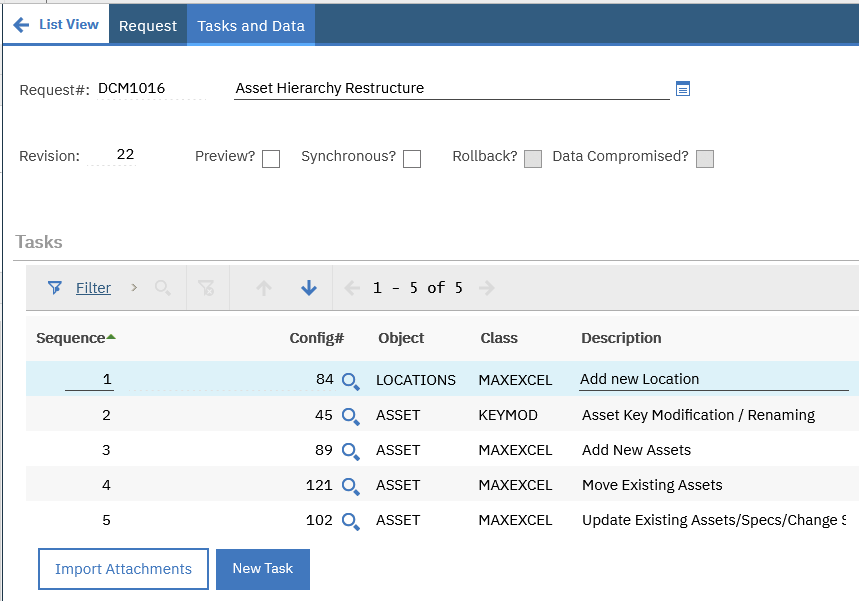
Data Change Management – Asset Restructure – Part 2
Smart manage your Maximo data changes in DCM !
#Maximo, #Data, #Assets, #Data Management
Read More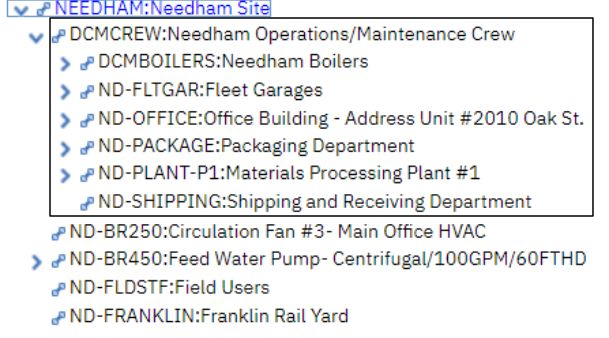
Data Change Management – Overview – Part 1
Seifware Inc. is announcing the launch of a new product (DCM). Download the presentation for more details!
#Maximo, #Data, #Assets, #Data Management
Read More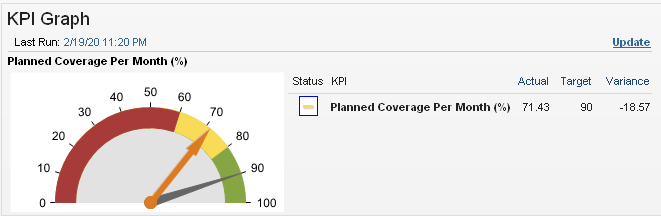
Measure and Control Planning
Use the Planned Coverage per Month KPI to ensure reusable job plans are created to allow continuous improvement cycle and to provide labor estimates for the scheduling process.
#Asset, #Reliability, #Planning, #Planners, #Maximo, #KPI, #Equipment, #Measure, #CMMS
Read More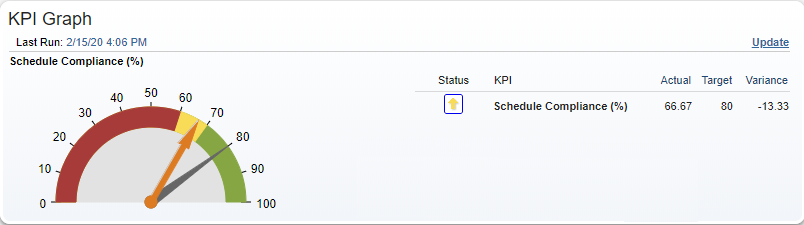
Measure and Control Scheduling
Measure and Control Scheduling through Scheduling Compliance Key Performance Indicator.
#Asset, #Reliability, #CMMS,, #Maximo, #Asset Management, #Scheduling, #Planning, #KPI
Read More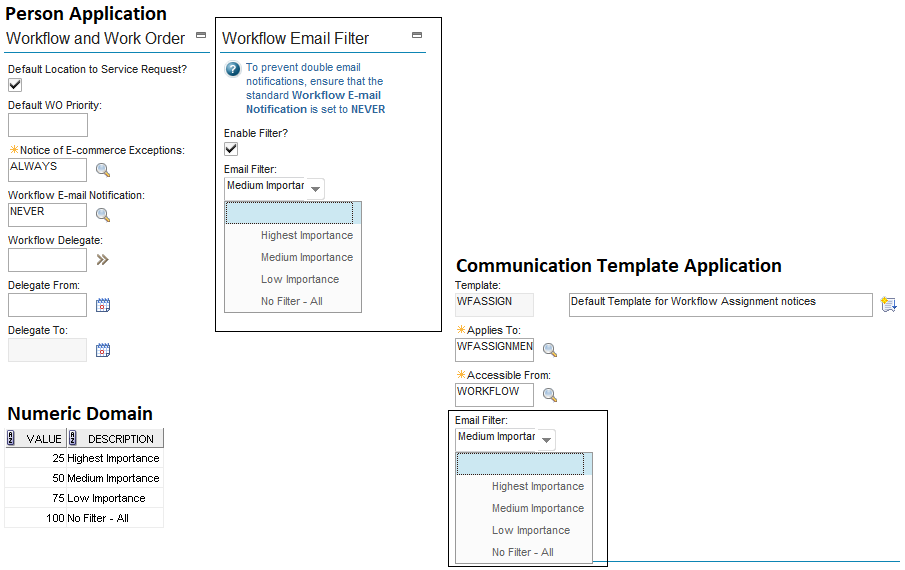
Workflow Email Filter *
Happy Holidays! Disable Standard Email Notifications & Enable this Email Filter.
Read More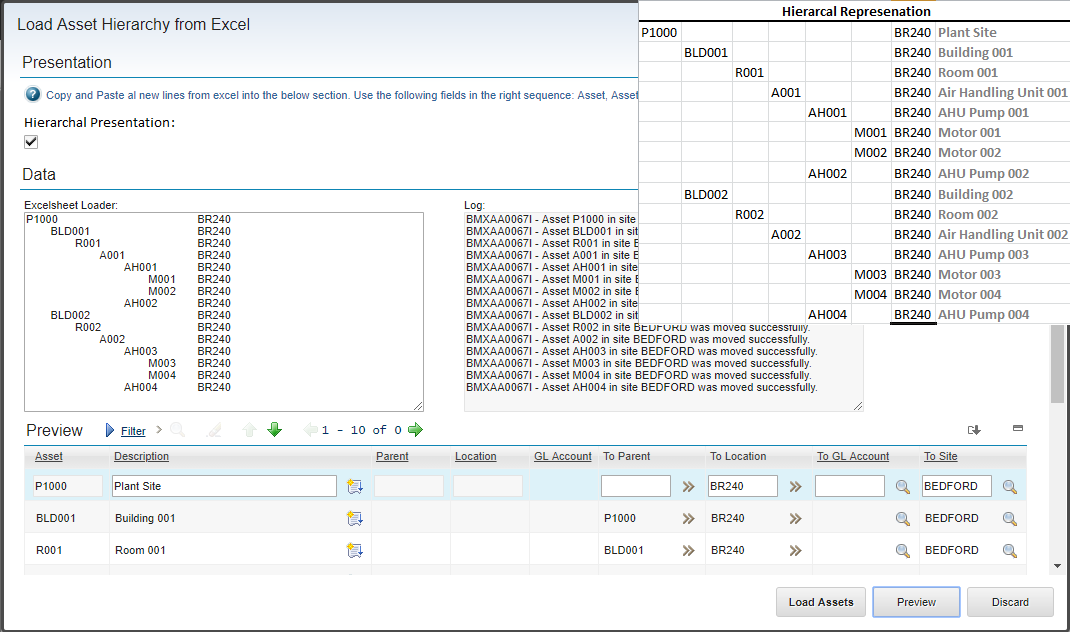
MaxExcel – Load Asset Hierarchy – Part 2
MaxExcel, a SaaS friendly solution: Design on Excelsheet, Paste in Maximo.
Read More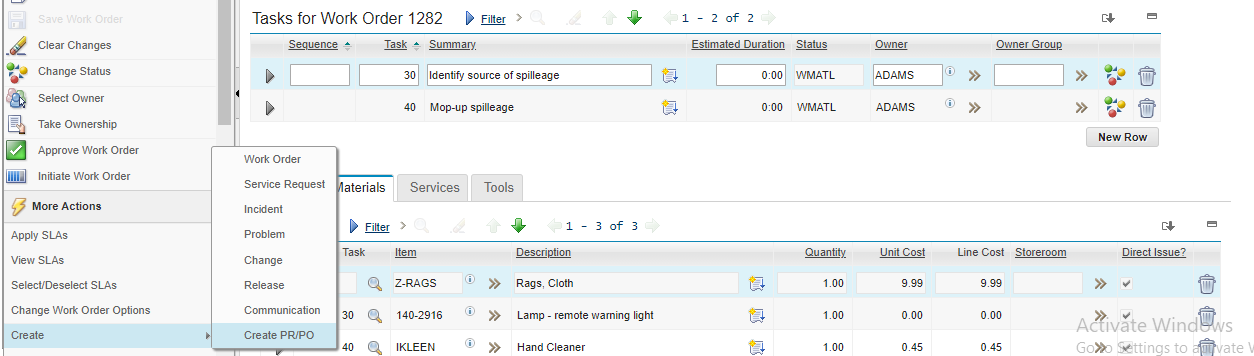
Create a PR/PO from a Work Order *
Depending on your organizational needs, Field Buyers may or may not prefer consolidating multiple Work Orders’ planned vendor materials on a single Purchase Order. When a Purchase Order is required to be generated for every Work Order (for easier tracking, accounting, matching, etc.) users may find it inefficient to use the Maximo standard direct material
Read More